
Find a Program lists every program across all participating foundations, including terms already under way.
Before you begin
No sign-in is required to browse programs. To apply to one you will need an LF ID (Linux Foundation ID) account.
Steps
Select Find a Program from the top navigation.
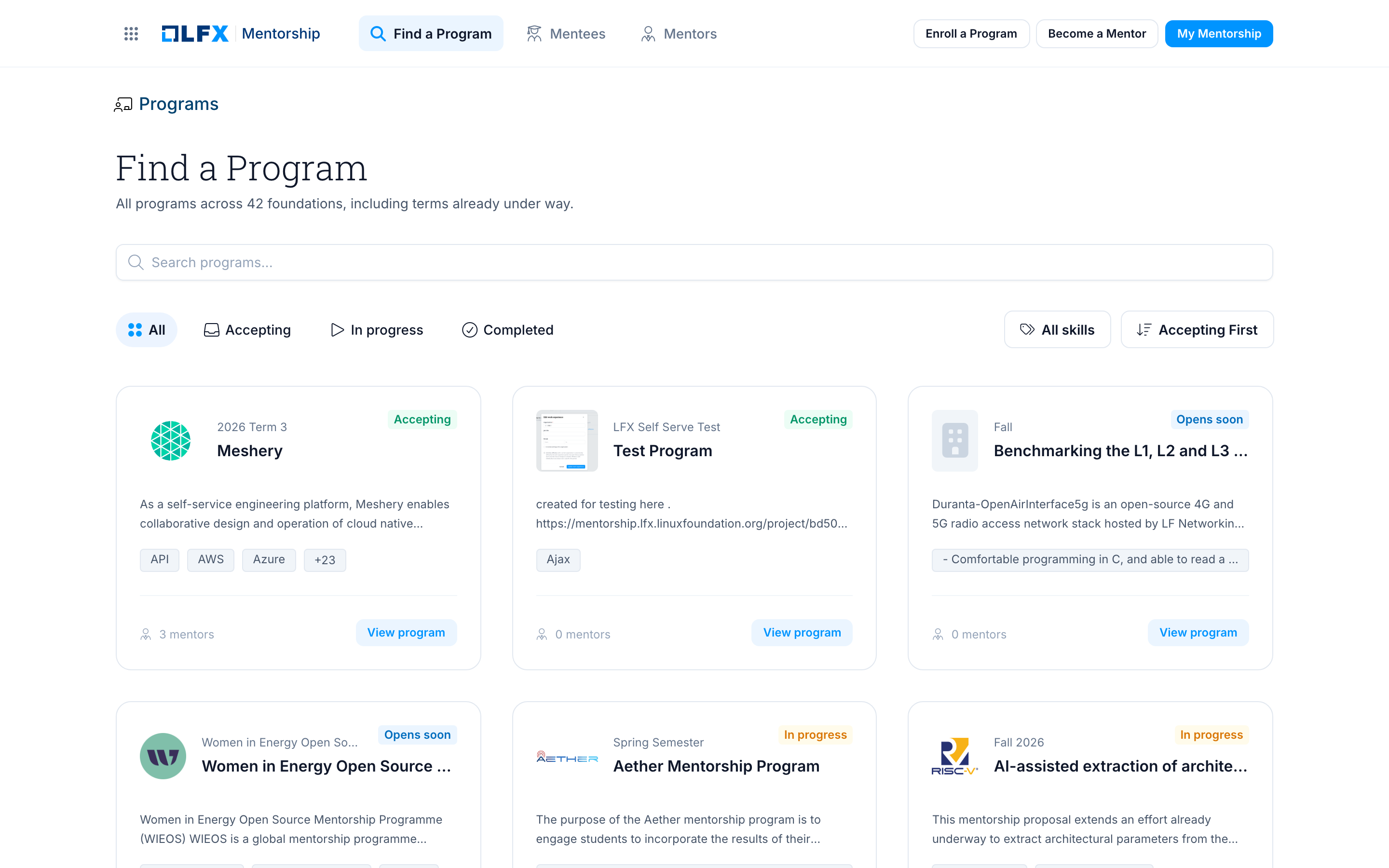
Each card shows the project logo, the term, the program name, a short description, the skills the program lists, and how many mentors it has.
Narrow the list:
- Search — type part of a program or project name.
- Status pills — All, Accepting, In progress or Completed.
- All skills — pick a skill to show only programs that list it.
- Accepting First — change the sort order.
Select View program on any card to open the program page.
After completing
The program page opens, with its term dates, stipend, mentors and mentees. See Program Pages.
Related
- Program Pages — reading a program page
- Apply to a Program — apply once you have found one