
A program page is where you decide whether a program is a fit. It carries the term dates, the stipend, the skills, and the people already involved.
Before you begin
No sign-in is required to read a program page.
Steps
Open any program from Find a Program.
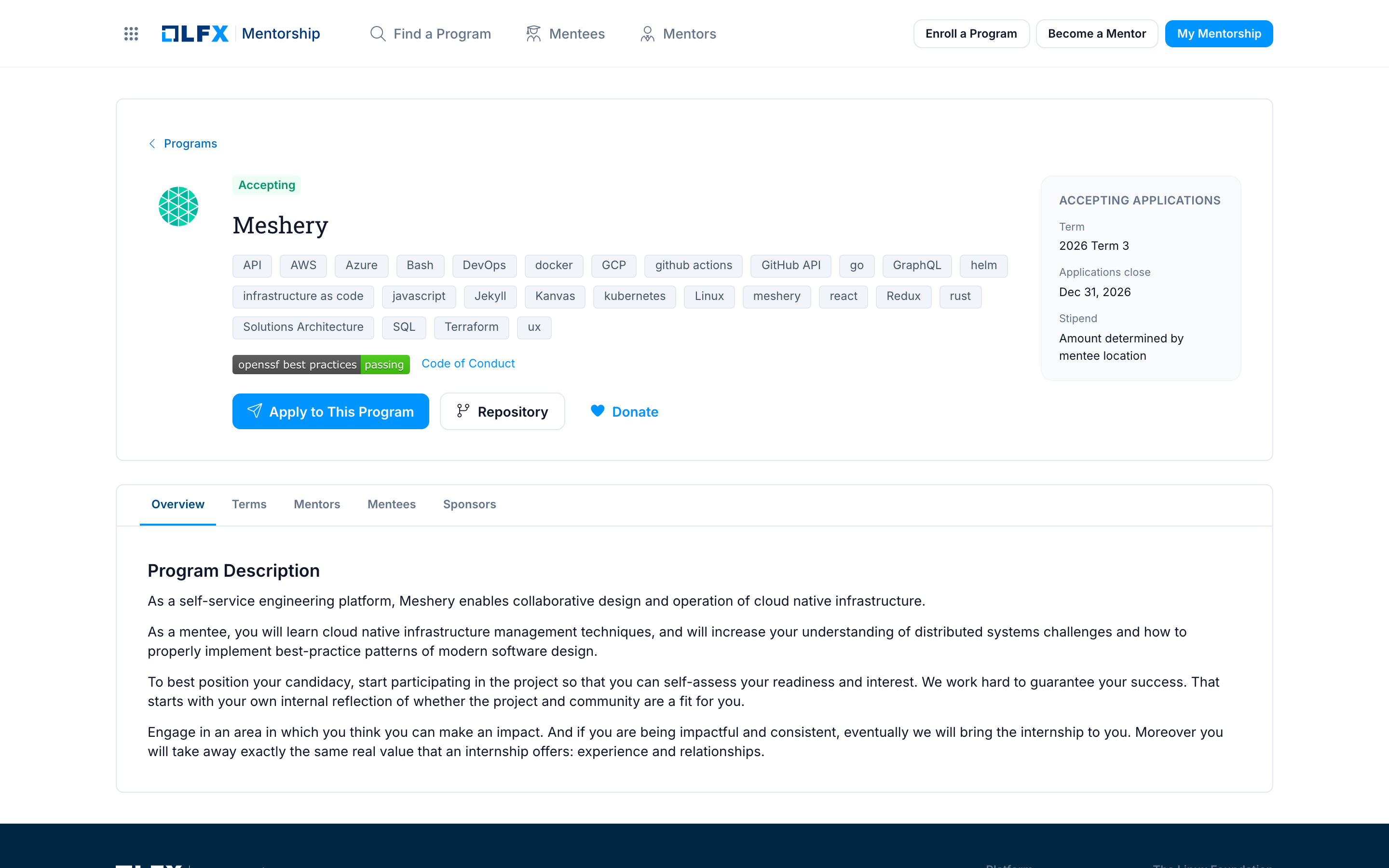
Read the header. It carries the project logo and name, the program's status badge, and the skills the program lists.
Check the sidebar for the facts that decide whether you can take part:
Field What it tells you Term Which term this page is for Applications close The last day to apply Stipend The amount, or that the amount is determined by mentee location Open Overview for the program description and what the project expects from a mentee.
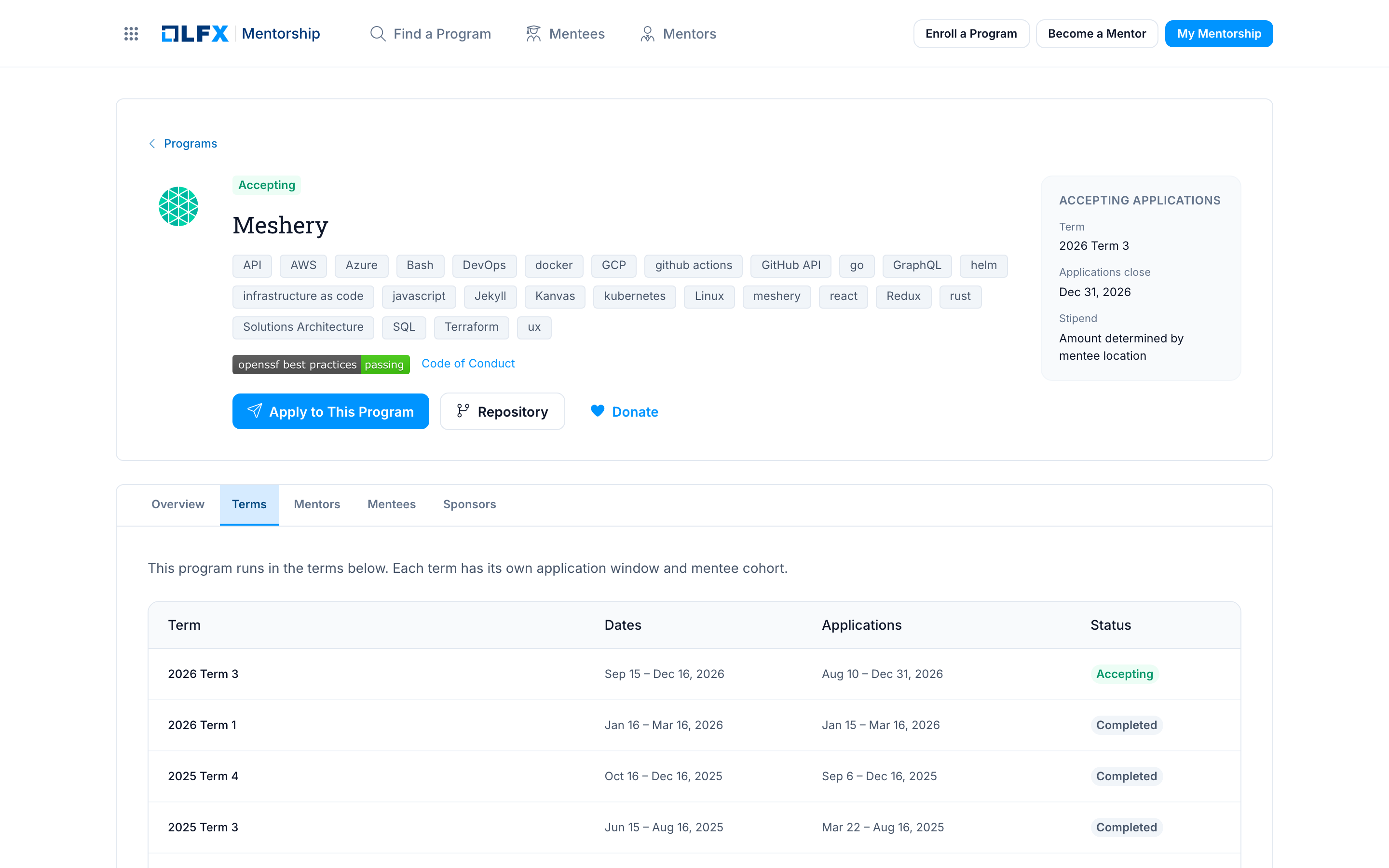
Open Terms for the dates of this and any earlier terms. Applications are always made to a term, so check which one is open before you apply.
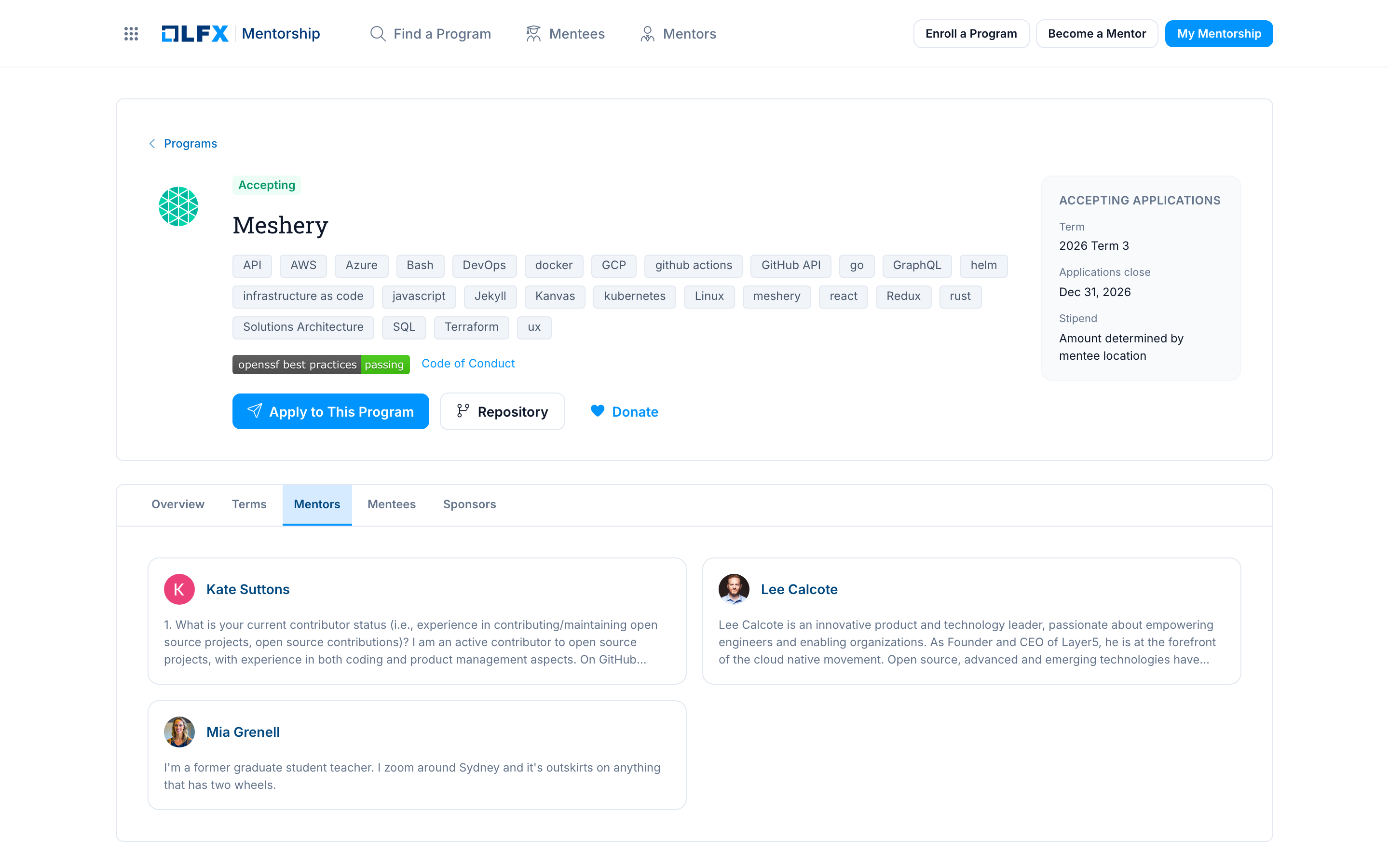
Open Mentors to see who will review your work.
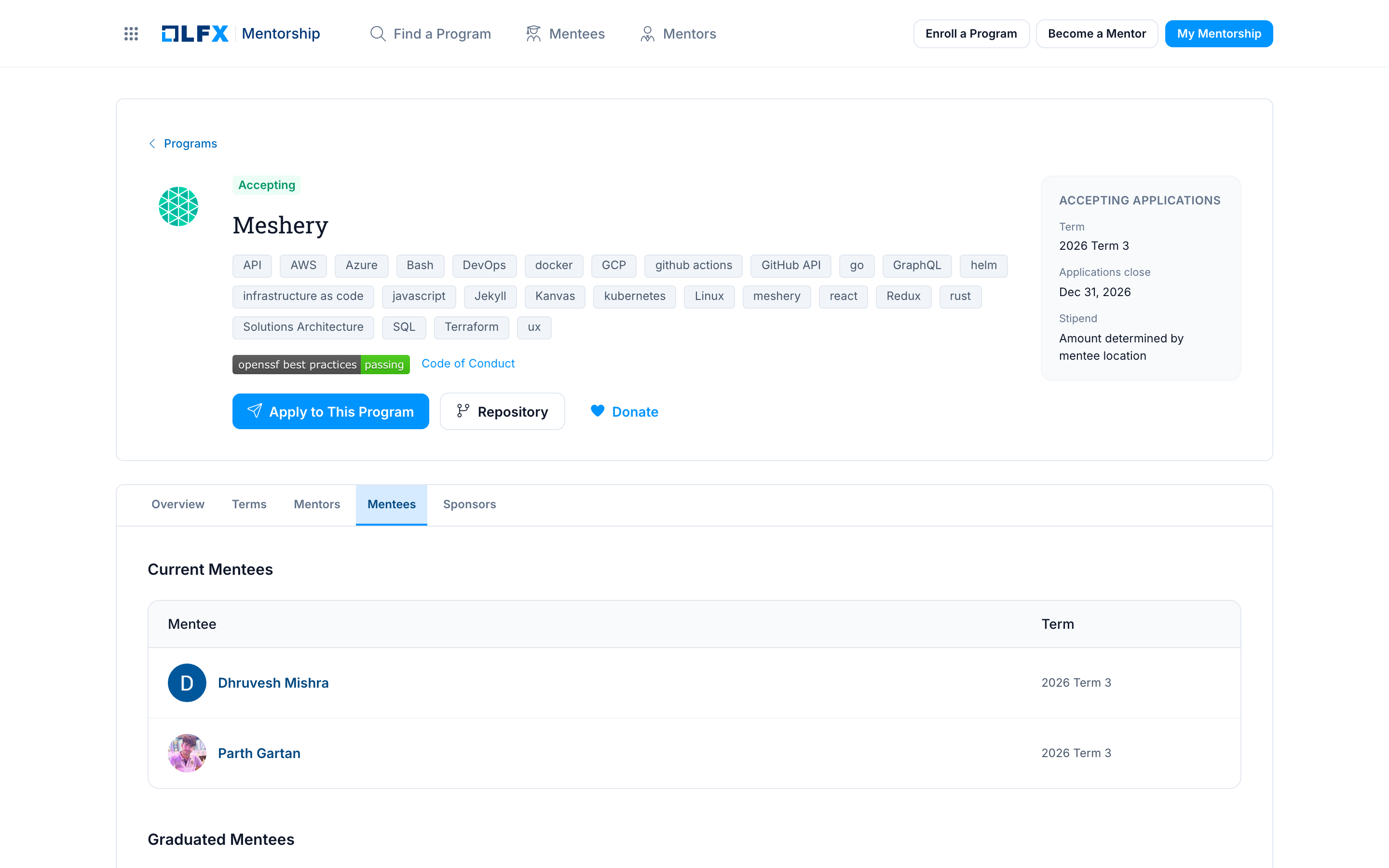
Open Mentees for the program's current mentees and the ones who have graduated from earlier terms, each with the term they took part in.
Open Sponsors to see who funds the program, where it is funded.
Use the header actions:
- Apply to This Program — opens the application in LFX, the Linux Foundation's software platform.
- Repository — the project's source repository.
- Donate — fund the program through LFX Crowdfunding.
- Code of Conduct — the project's code of conduct.
After completing
Apply to This Program takes you to app.lfx.dev, where the application itself lives. See Apply to a Program.
Related
- Browsing Programs
- Apply to a Program
- Enroll a Program — if you want to run a program like this one